SCAIL 2 AI Video GeneratorAnimate Any Character
Upload a reference character and a driving video. SCAIL 2 transfers motion — no skeleton, no rigging, no install.
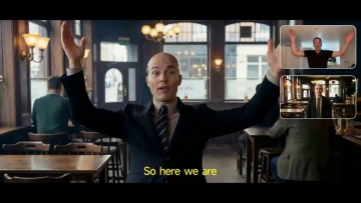
Try it free — 15 credits on signup
SCAIL 2 AI Video Generator Online
Upload a reference character and a driving video, then pick your resolution and mode. Generation time varies depending on video length, selected resolution, generation mode, and current queue conditions.
Reference character *
Driving video *

Pro Tips
- 480p is best for quick previews; 720p balances quality and detail for final deliverables.
- Use a clear reference image — illustrations, cartoons, and stylized art all work.
- Cleaner, well-lit driving videos produce more consistent motion transfer.
- In Animate mode, describe how you want the character to move; in Replace mode, describe the target look.
What Is SCAIL 2
What Is SCAIL 2? Character Animation
SCAIL 2 is a character animation AI video generator. Upload a reference character and a driving video, and it transfers the motion straight to your character — no skeleton extraction, no rigging. It works with illustrations, animals, and stylized art that most animation tools can't handle. SCAIL 2 is built for content creators, marketers, and indie animators who want professional character animation without a production pipeline.
60K
Motion training pairs
2
Online modes
0
Subscriptions required
15
Free credits on sign-up
01
A wide range of characters and styles
Create animations from photos, illustrations, mascots, animals, and stylized character references. Results may vary with image clarity, framing, occlusion, character design, and motion complexity.
02
2 online modes
Animate a solo character, swap character identity in a video, animate group scenes with multiple characters, or drive animals using human motion — all in one model. Right now, this tool supports Animate and Replace modes.
03
Generation time varies
Upload a reference character image and a driving video, pick a resolution, and generate. No Python, no GPU, no install. 15 free credits on sign-up, no card required.
Video Examples
SCAIL 2 Use Cases
From indie creators to brand teams — see how people put character animation to work.
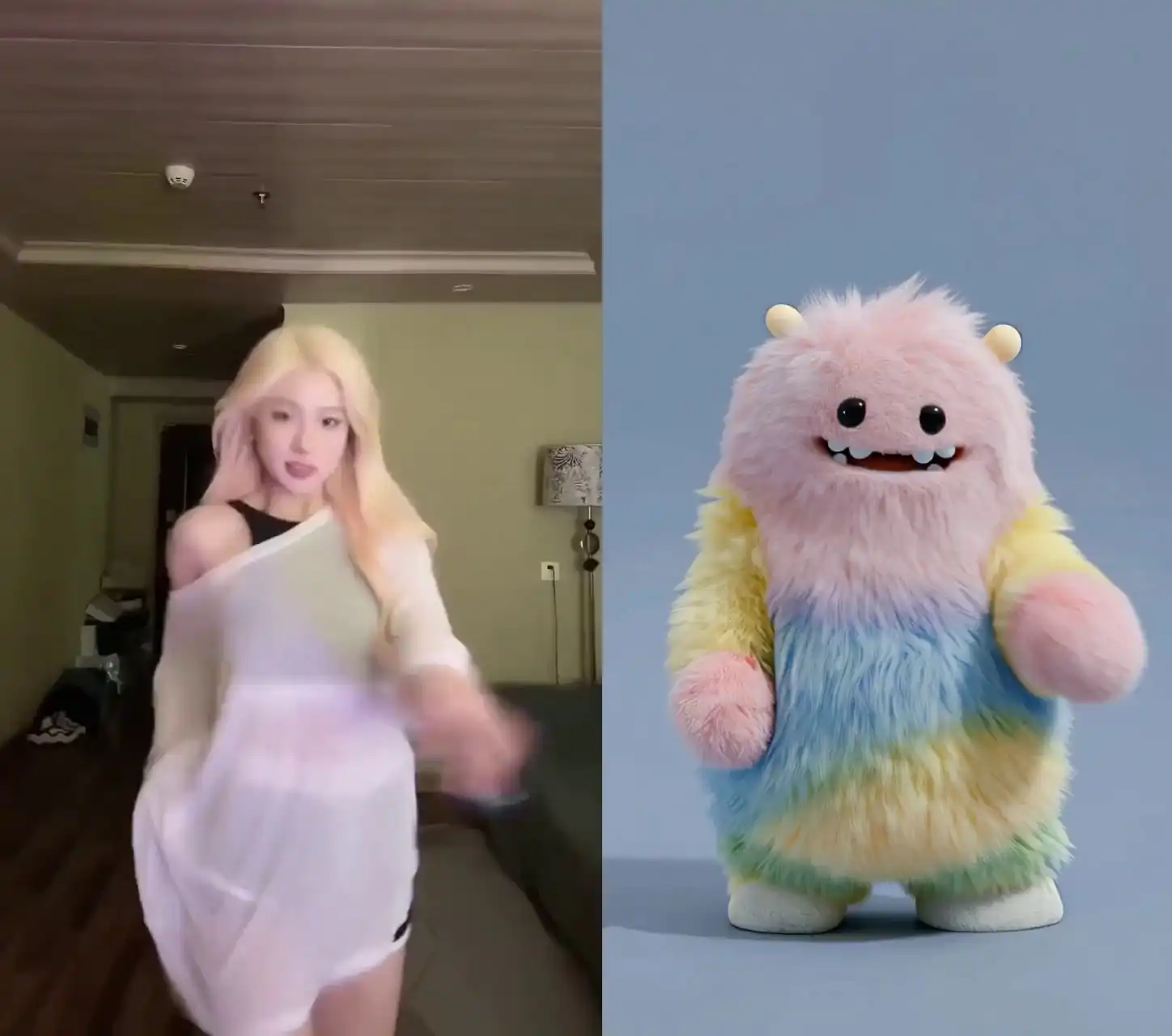
01
Game Development & Concept Prototyping
Motion capture breaks down on creatures and non-humanoid characters. With SCAIL 2, you drop in a concept image and a motion reference — and you get an animated preview. No special setup, no waiting until full production starts.
Works well for
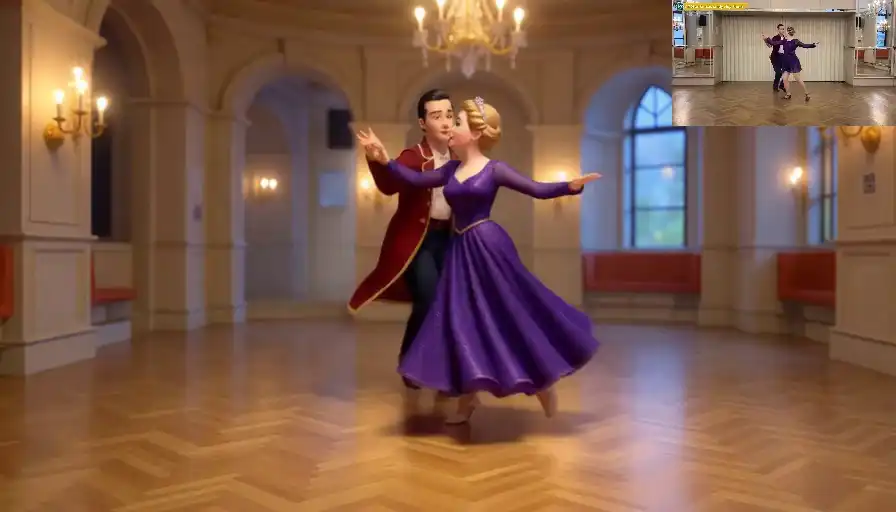
02
Education & Training Content
Keeping the same character animated across every lesson takes too long with traditional tools. With SCAIL 2, you record an instructor, drop in your character, and get the same result every time — same look, same motion, every episode.
Works well for
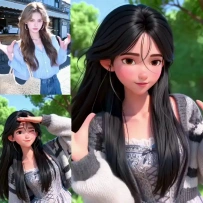
03
Character Animation & Illustration
Rigging a custom illustration takes hours — and that's before you get a single frame. With SCAIL 2, you upload your character, add a driving video, and your character moves. No skeleton, no setup. Works with 2D art, mascots, and stylized figures.
Works well for

04
Product & Brand Videos
Animating brand characters costs too much — studios are expensive, freelancers take weeks. Film someone doing the action you need, upload your brand character, and you get the animation. No rig, no waiting.
Works well for
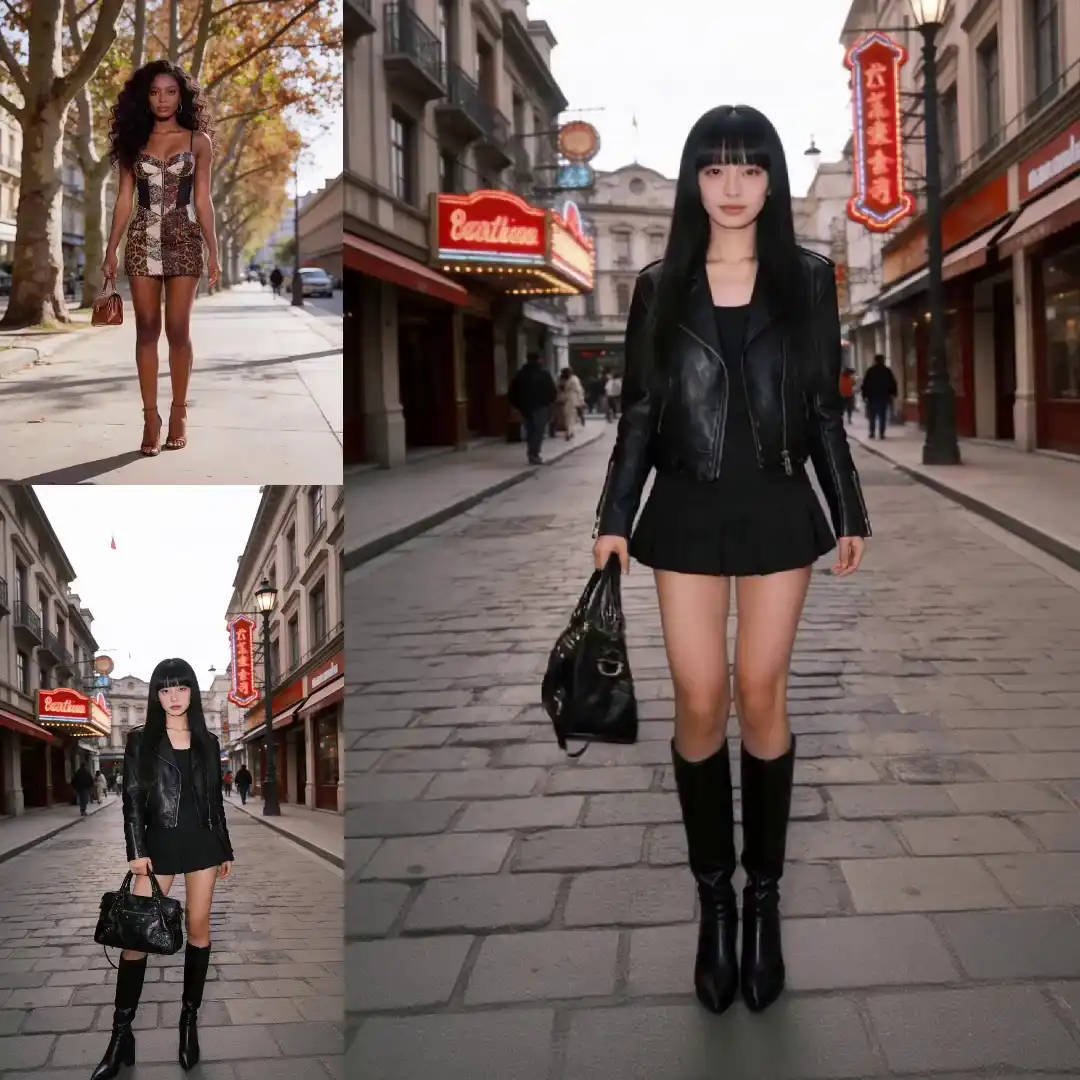
05
Storyboarding & Pre-Visualization
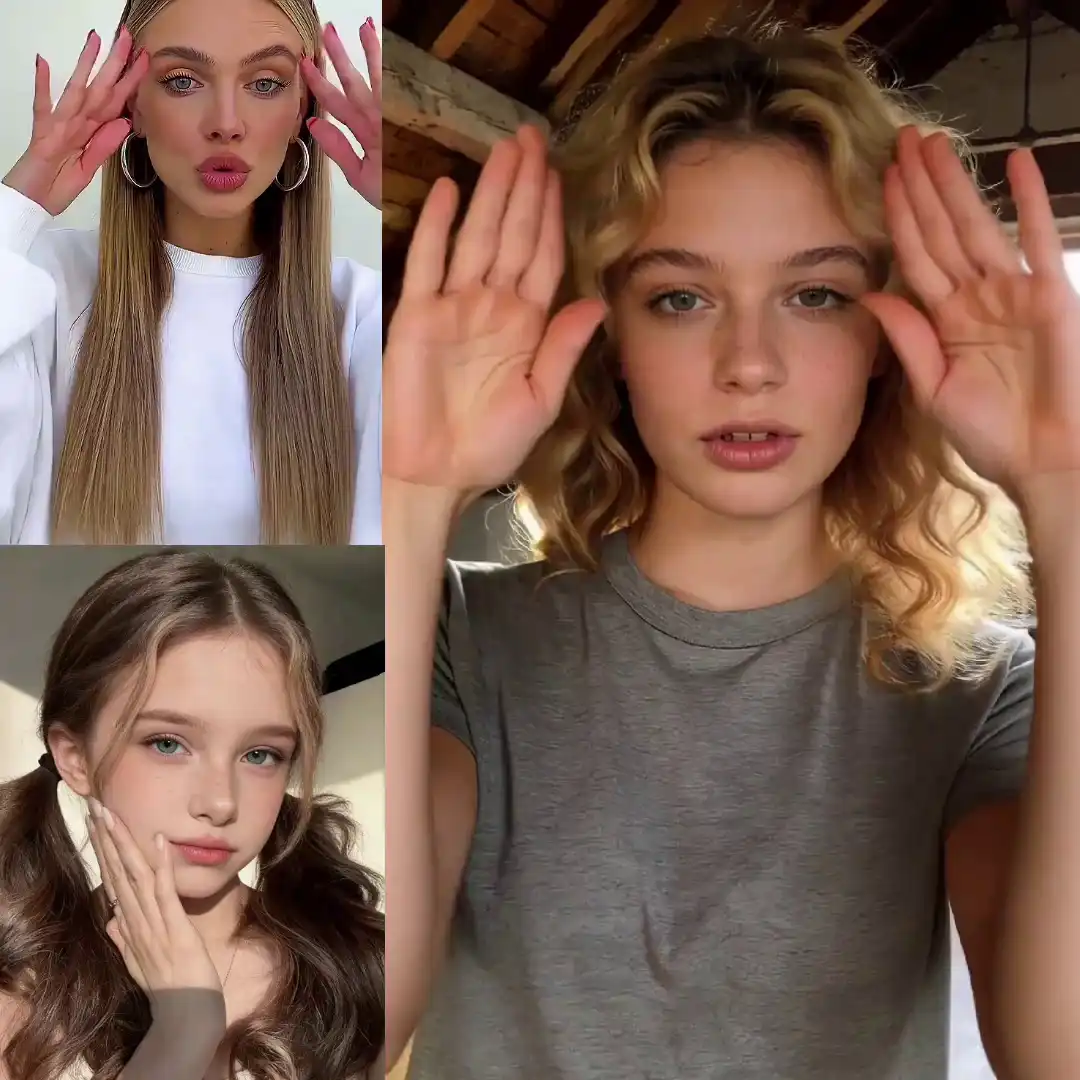
Most indie teams can't afford rough 3D pre-viz before a project gets approved. With SCAIL 2, you use simple reference footage to animate a concept character through a scene. Swap the video, change the motion — no re-rigging needed.
Works well for
06
Social Media Content Creation
Trends move faster than custom animation timelines. With SCAIL 2, you pick a motion clip, drop in your character, and it's done — no frame-by-frame work. Output at 480p or 720p, ready to post.
Works well for
Key Features of SCAIL 2
Key Features of SCAIL 2
Six distinct capabilities — from motion encoding architecture to commercial licensing.
Skeleton-Free Motion Encoding
SCAIL-2 can work with photos, illustrations, animals, mascots, and stylized character references. Results may vary depending on image clarity, motion complexity, framing, and occlusion.
Consistent Identity Preservation
Your character keeps its look throughout the animation — same colors, same style, same details. SCAIL 2 adds motion without changing how it looks.
Multi-Character & Group Scenes
Animate multiple characters in one shot. SCAIL 2 keeps their positions and interactions natural, so you don't have to generate each one separately.
Zero-Shot Animal & Non-Human Figures
Use a human driving video with animal and non-human character references. Results may vary with the character design, framing, occlusion, and motion complexity.
Online Access, No Local GPU Setup
Access SCAIL-2 through your browser without installing the model or configuring a local GPU environment.
Open-Source & Commercially Licensed
The SCAIL-2 model is open-source under Apache 2.0. Commercial use of generated videos may be permitted under the applicable plan and Terms of Service, subject to rights in the source materials.
How to Use SCAIL 2 Online
How to Use SCAIL 2 Online Create a Character Animation in 3 Steps
- 01
Upload your media
Upload a reference character image and a driving video. Photos, illustrations, and stylized art all work — no skeleton or rig required. The driving video supplies the motion.
Tip: Cleaner, well-lit driving videos produce more consistent motion transfer results.
- 02
Set options and generate
Choose output resolution (480p or 720p) and animation mode — Animate transfers motion to your character, Replace swaps identity while keeping original motion. Generation time varies depending on video length, selected resolution, generation mode, and current queue conditions.
- 03
Preview and download
Review the result directly in your browser, then click Download to save the video to your device. Commercial use may be permitted under the applicable plan and Terms of Service, subject to rights in the source materials.

No credit card required · Credits never expire
Pricing & Credits
SCAIL 2 Credits. No Subscriptions, Just Results.
Get 15 free credits on sign-up. Recharge anytime with one-time packs — your SCAIL 2 credits never expire and carry no recurring charges.
Starter
160 cr- 160 credits included
- No watermark
- Commercial use subject to Terms
- Standard queue speed
- Email support
Standard
580 cr- 580 credits included
- No watermark
- Commercial use subject to Terms
- Priority queue speed
- Priority support (email)
Pro
1100 cr- 1100 credits included
- Suitable for larger projects
- No watermark
- Commercial use subject to Terms
- Faster priority queue
- Priority support
Business
2720 cr- 2720 credits included
- Suitable for larger projects
- No watermark
- Commercial use subject to Terms
7-Day Money-Back Guarantee
Used less than 10% of your credits and not satisfied? We'll refund you in full — no questions asked, no delays.
Credit Consumption
Billed per second · based on input video length480p
Great for drafts & social
2 credits / sec
720p
Recommended for most uses
4 credits / sec
Output length matches your input video — minimum 5 seconds, maximum 120 seconds.
Credits Never Expire
Your credit balance has no expiry date. Buy once, use whenever — no pressure to generate within a deadline.
Secure Payment
All transactions are processed through Stripe. Your card details are never stored on our servers.
Support When You Need It
Email us at support@scail2.com — we respond within 24 hours, every day.
Credits never expire
Use at your own pace, no rush
One-time purchase
No subscription, no recurring fees
Commercial use
Subject to the plan terms & source rights
15 free credits
Try before you buy, no card needed
SCAIL 2 FAQ
SCAIL 2 Frequently Asked Questions
Get Started Today
Ready to Animate Your Character?
Upload a reference and a driving video. SCAIL 2 handles motion transfer — no skeleton, no rigging, no install.